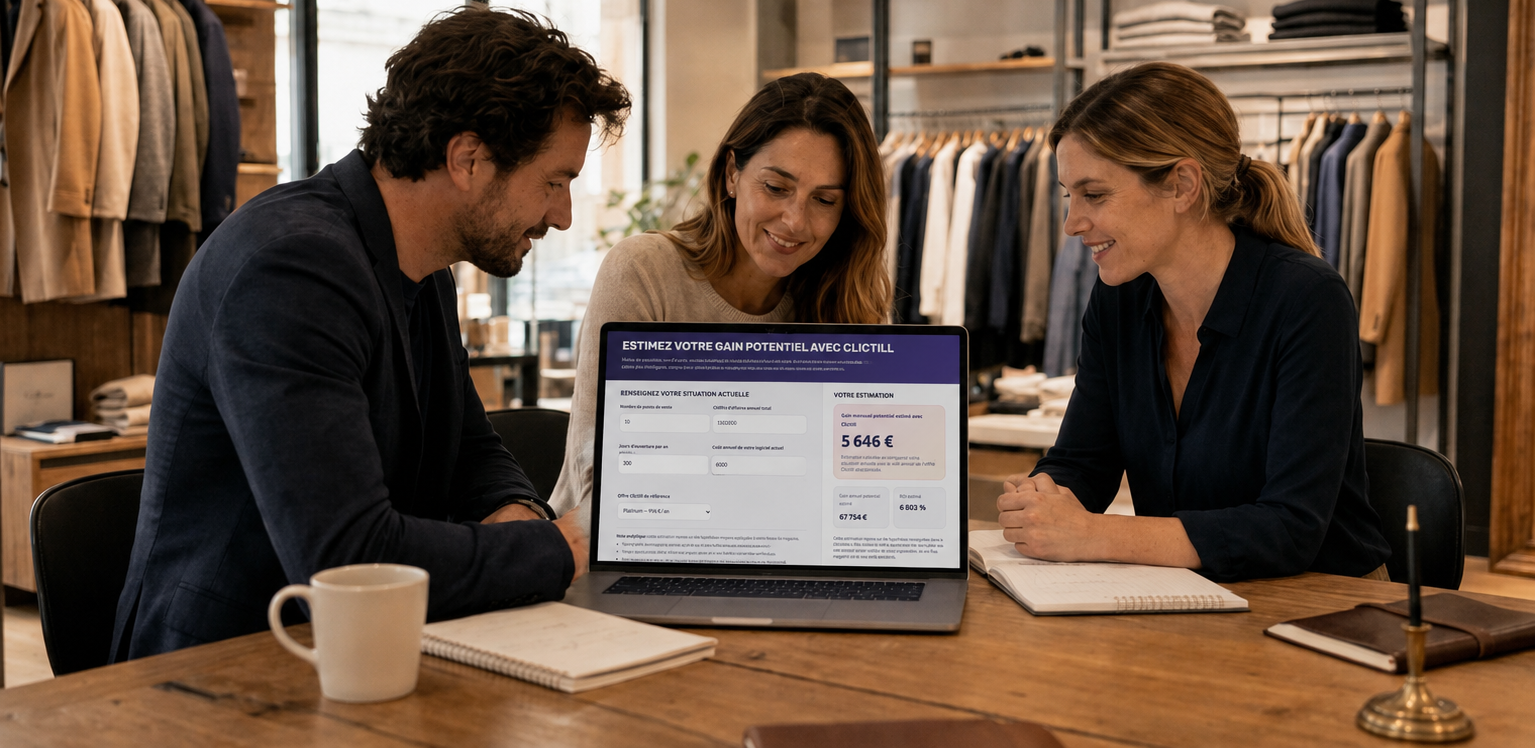
Clictill, reliable and secure inventory software
Stocktaking is one of the most sensitive operations in inventory management, and yet it’s essential to guarantee the reliability of your data. With Clictill, you get inventory software integrated directly into your POS software, designed to simplify counting and reduce errors.
No need for multiple files, exports or parallel data entry: everything happens in a single environment, connected to your stores and synchronized with your stock movements. You can carry out your inventories as you wish, while retaining full traceability.
Why manage your inventory with Clictill?
When you take inventory with Clictill POS solution, you’re guaranteed a reliable, controlled count. You move forward step by step, with a tool designed to secure each entry. Any discrepancies are identified immediately, duplicates avoided, and your teams can work with peace of mind.
It’s also a considerable time-saver. Thanks to a simple workflow (scan, import or mobile terminal), you avoid the back-and-forth between paper, Excel and cash register. Counting becomes smoother, faster and, above all, more consistent between employees.
Last but not least, Clictill gives you a clear overview: valuation, discrepancies, corrected movements and complete history. Each adjustment is automatically traced, enabling you to improve your practices as you go along.
How does it work?
Inventory in Clictill point-of-sale software is based on a simple principle: you start with a theoretical inventory, count the actual, and the system automatically calculates the discrepancies to bring your stock up to date. Whether you’re carrying out a complete fiscal inventory or a rolling inventory, the logic remains the same.
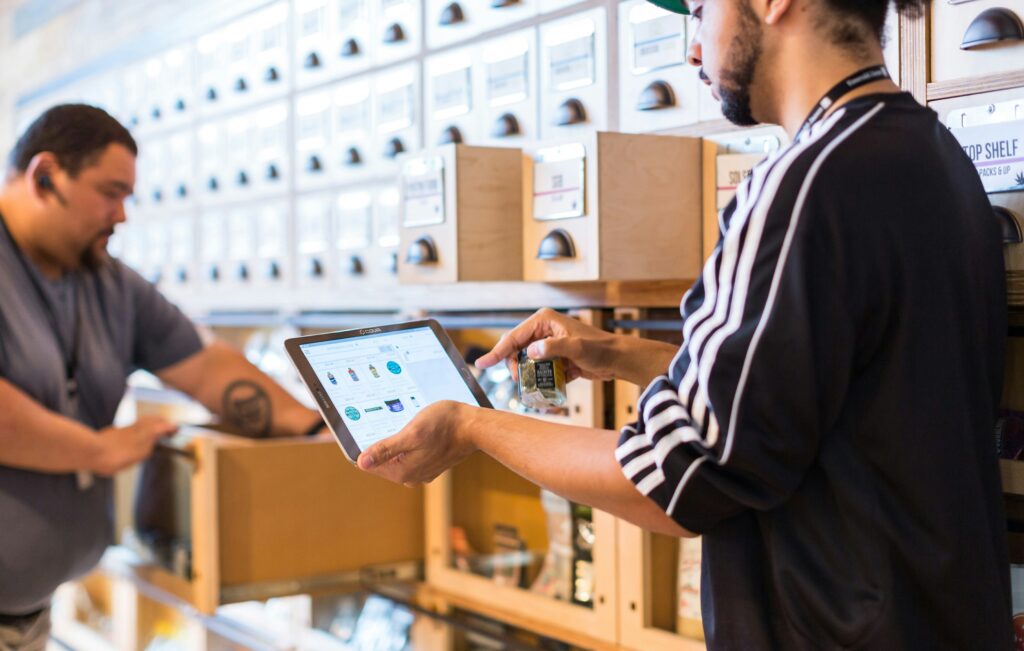
You choose the scope of your inventory: global (all stock items) or partial (a family, a department, a zone…). Once you’ve made your selection, you can carry out your count: direct scan, file import or handheld terminal. Once the inventory is closed, Clictill automatically applies the necessary adjustments to your stock and generates the corresponding regularizations.
Discover how to make an inventory on video






All your questions about inventory management
Does inventory with Clictill replace dedicated inventory software?
Absolutely, all key stages (preparation, counting, control, discrepancies, valuation, closing) are integrated directly into your point-of-sale software. You avoid Excel exports, manual reconciliations and double entries.
Is it possible to carry out an inventory without blocking all store activity?
Yes, inventories can be carried out zone by zone, store by store, or even by product family. You can move forward in stages, without tying up your sales outlet.
Does Clictill manage rotating inventories?
Yes, you can carry out as many partial inventories as required, throughout the year. This avoids massive discrepancies at the end of the year, and helps you maintain reliable inventories on an ongoing basis.
Is inventory valued automatically?
Yes, Clictill POS software calculates the value of your stock according to your rules: PAMP, last purchase price or standard cost. Valuations are available at closing.
Can the inventory be exported for accounting purposes?
Absolutely. Inventory statements, discrepancies and valuations can be exported at the click of a button (CSV or printout), for easy closing and auditing.
Can I go back after validating an inventory?
As with all reliable inventory software, once the inventory is closed, it becomes definitive, to guarantee stock consistency. But you can consult the history at any time.
Does inventory work if a store has items managed in series or batches?
Yes, Clictill takes into account all the parameters linked to traceability: serial numbers, batches, packaging… The tool guides you so you don’t forget anything.